
AI writing and publishing for note
From writing to publishing on note.
Organize the topics you want to cover, create articles and images with AI, and move to publishing through your connected Chrome extension. Manage posting schedules and review the status of each run.
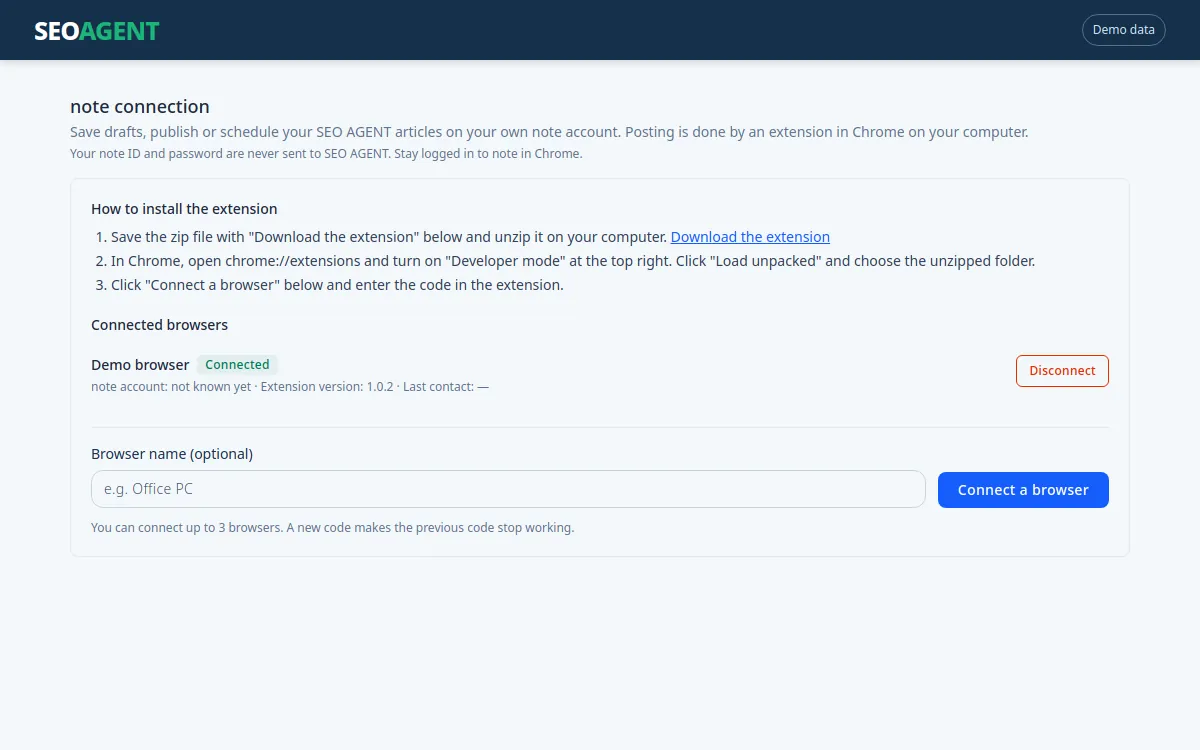
Organize your topics.
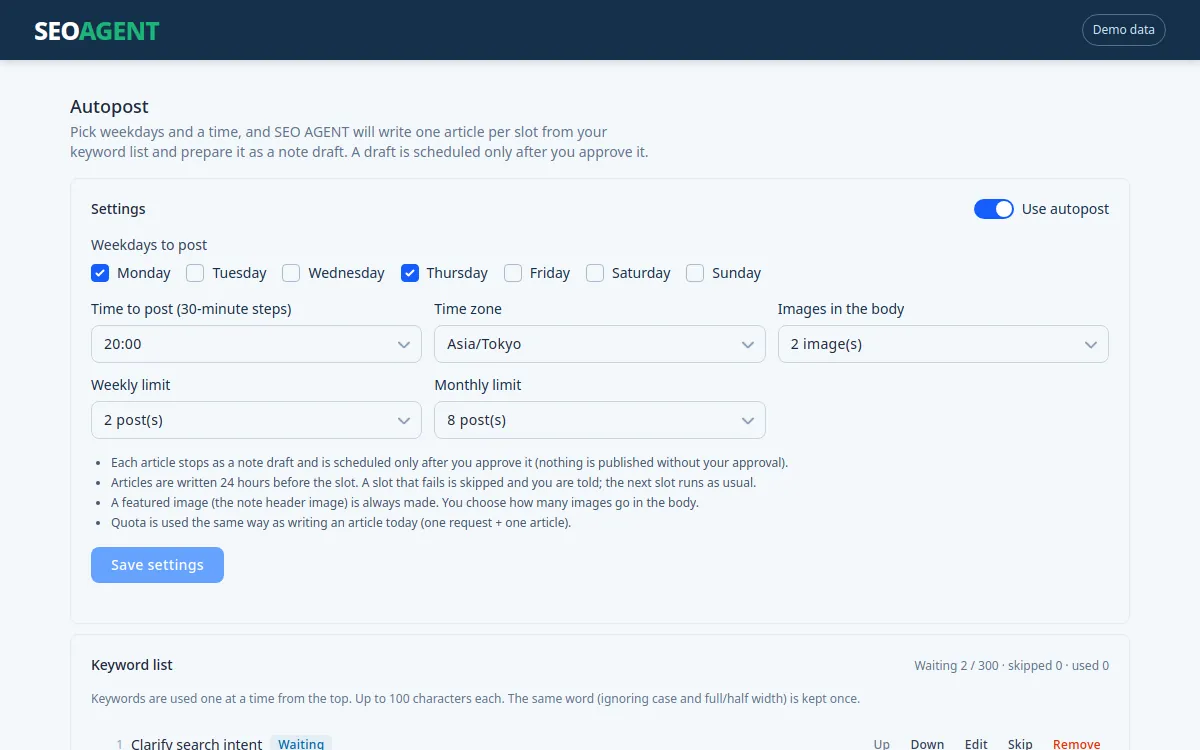
Add keywords in bulk, change their order, and distinguish used topics from skipped ones.
Create content for note.
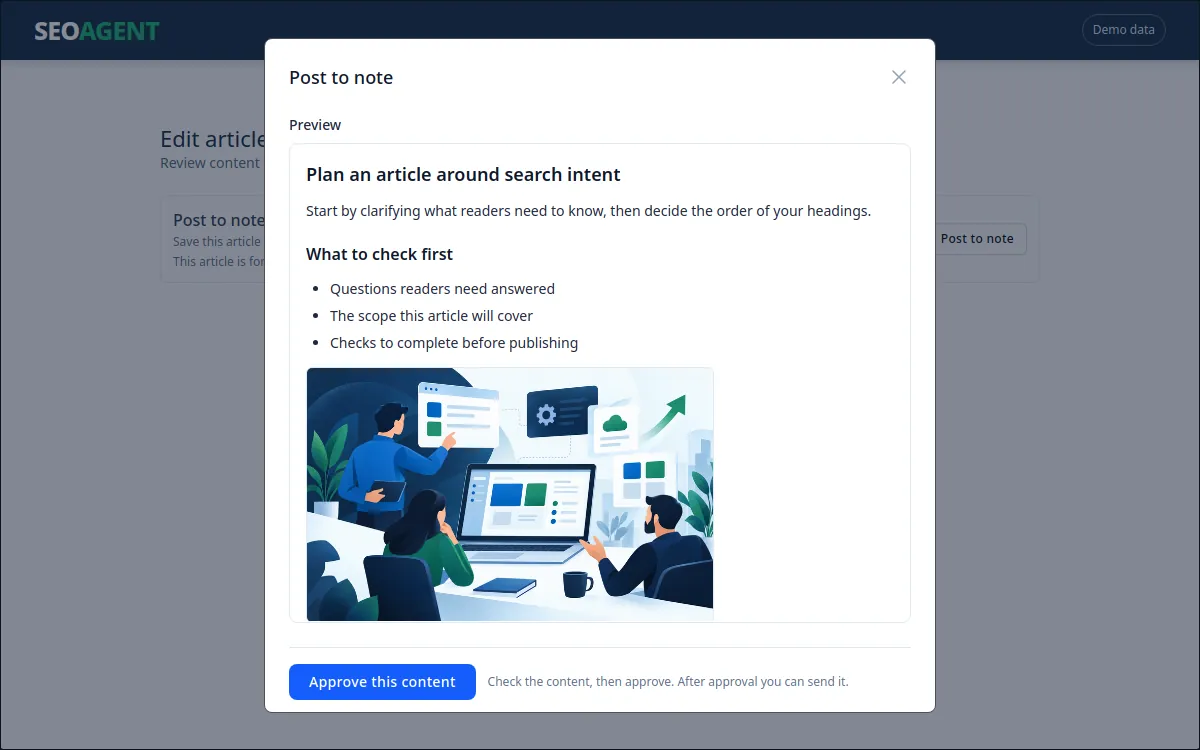
Choose note as the destination, prepare article outlines, copy, and images, and review the content before moving to the next step.
Plan a recurring schedule.
Set weekdays, time, time zone, and weekly or monthly limits. Review upcoming posting slots.
Keep review and delivery clear.
Standard note publishing supports manual and conditional automatic approval. Recurring generation has a separate review workflow. Recurring generation does not publish everything unconditionally without review.
Check run history.
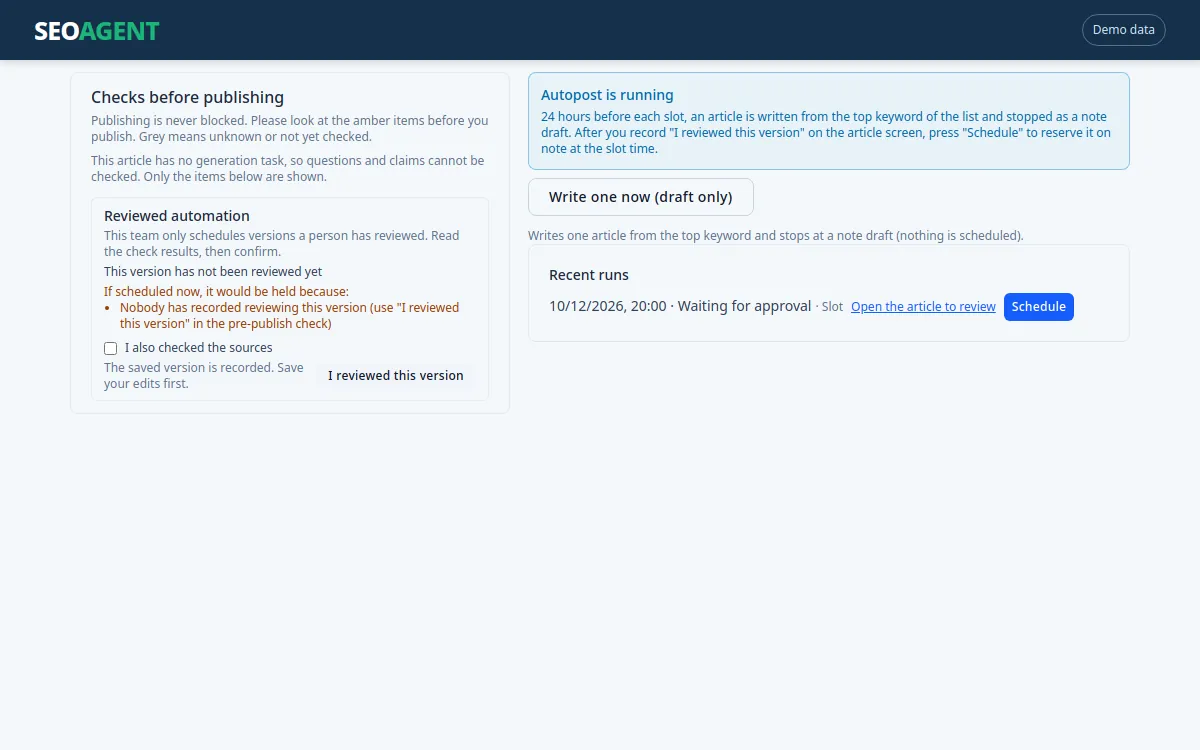
Review keyword states, upcoming slots, run outcomes, and the reasons a run could not proceed. Additional generation and scheduling actions depend on the enabled features.
How it works
- Connect the Chrome extension
- Add topics and a posting schedule
- Create the article and images
- Review and approve as required
- The extension sends or schedules the post on note
- Check the status
This does not mean every step proceeds without your involvement.
Requirements
The connected computer, Chrome extension, and a valid note login must be available when sending content or registering a schedule. Once a scheduled post is successfully registered on note, note handles the scheduled publication.
A note plan with scheduling access is required for scheduled publishing; note’s official help documents it as a Premium feature. Your note plan and its fees are separate from SEOAGENT.
Search Console and GA4 analytics, internal links, and topic clusters are designed for a connected WordPress site and may not be available for note on the same terms. Publishing on note does not guarantee search rankings or traffic.
Frequently asked questions
Does it only write articles with AI?
It covers outlines, copy, and images, as well as preparing posts for note, sending or scheduling them through the Chrome extension, and managing keywords and posting schedules.
Can I choose the weekdays and time for posting?
Recurring settings cover weekdays, time, time zone, and weekly or monthly limits. They apply when generation is enabled and the required reviews are complete.
Can I keep my computer turned off?
Generating an article and sending or scheduling it on note are separate steps. Your computer must be able to run when the Chrome extension sends the post. Once a schedule is successfully registered on note, note publishes it at the scheduled time.
Is everything published automatically without review?
Approval for standard posts and review for recurring generation are separate. Recurring generation includes a review step, so not every workflow is review-free.