
SEO analytics and performance review
See what gets read—and what to examine next.
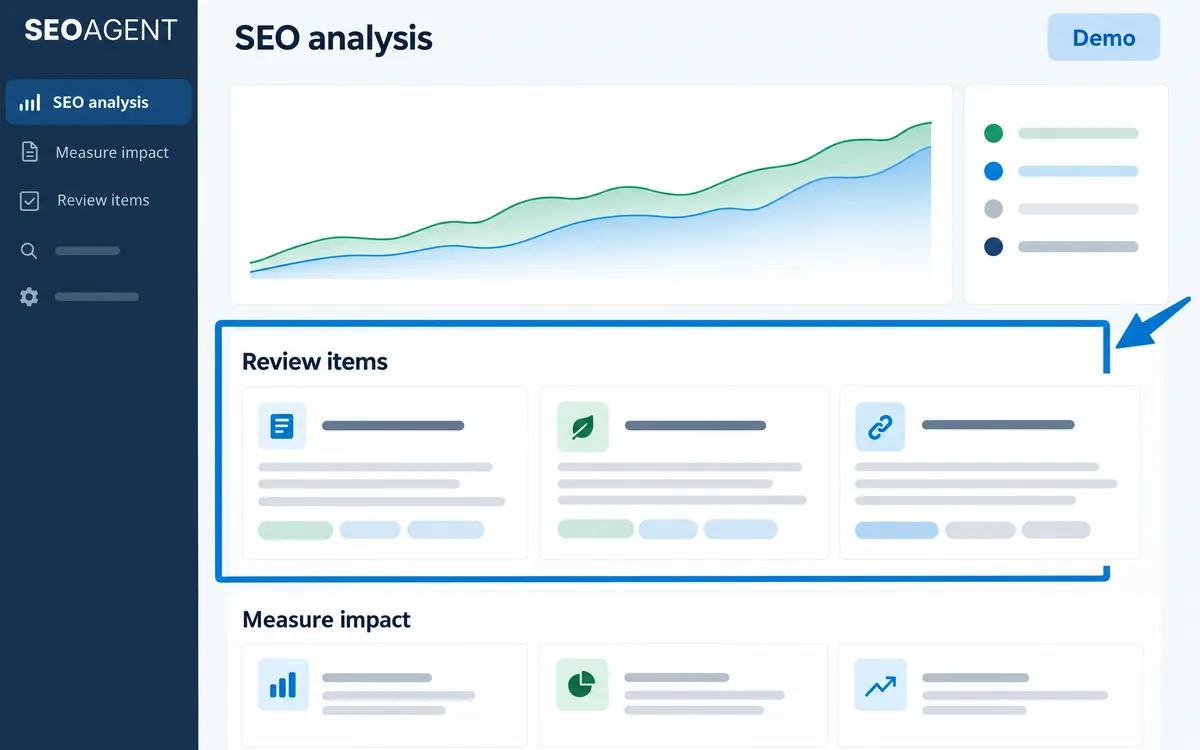
Review performance at both site and article level. Move from an overview into the search data and improvement options for a specific page.
Review the right site and period
Keep the site and reporting period in view while checking available search metrics.
See how readers find your content
Review Search Console queries and trends to compare actual searches with the topic you intended to cover.
Move from numbers to work
Use the next-action area to open the relevant improvement section for an article.
The workflow
- Connect Google data
- Review the site
- Select an article
- Examine queries and trends
- Open the next action
An example
An article with search impressions but few clicks may be a reason to review how its title matches the query. It is a clue to investigate, not proof of a cause.
What you can do on screen
- Three views: site overview, article analysis, and article detail.
- Choose the most recent completed month or the last seven days (up to three days ago).
- Review clicks, impressions, CTR, average position, users, page views, average engagement time, and engagement rate.
- Traffic and outcomes shows organic visits from GA4 and the key events you set as outcomes.
- A scope bar shows when each data source was fetched and which sources are not connected.
What to know
Search Console impressions and clicks are different from GA4 visits and configured business events. Missing data is not the same as zero or a clean result.
Do I need both Google connections to create an article?
Article creation and analysis of published performance are separate stages. Connections enable the relevant post-publication data.
Can it count clicks on links inside articles?
That requires a setup in your own Google Tag Manager. SEOAGENT does not add tags to your site.