
Topic clusters
Build a connected topic—not a pile of articles.
Use a main guide to explain the whole subject and supporting articles to answer specific questions. A topic cluster helps organize those roles and connections.
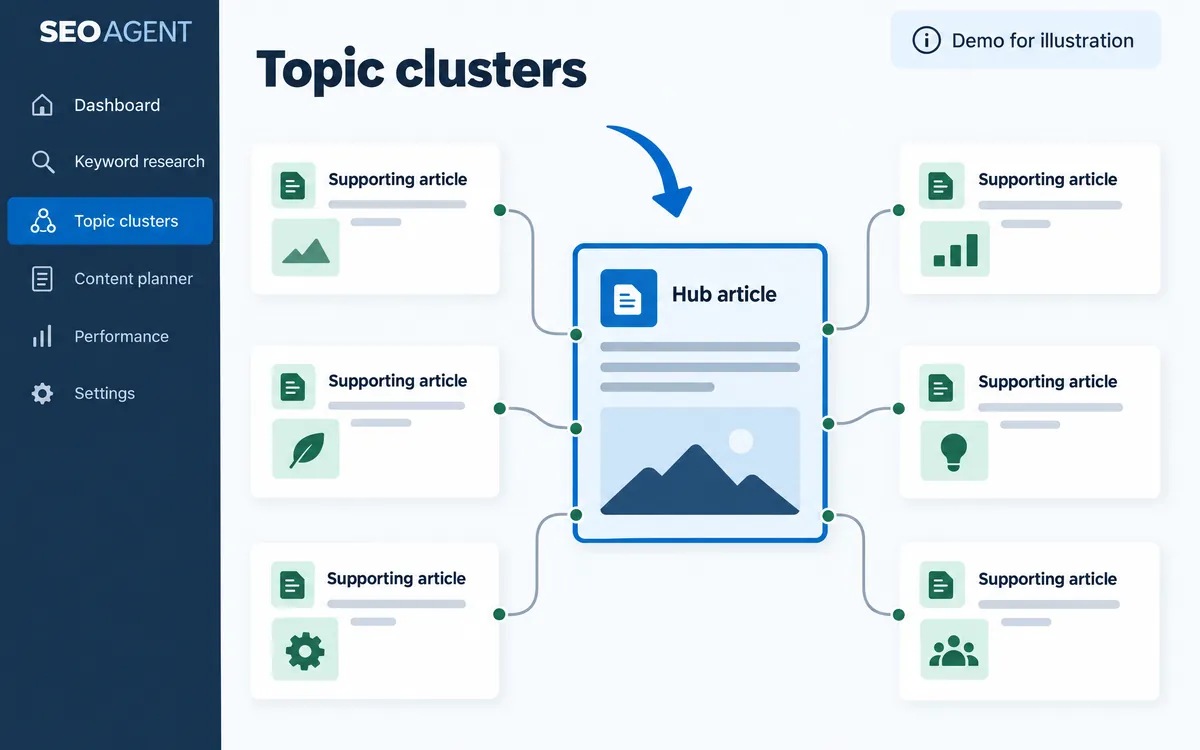
Review suggested groups
See a proposed main article and supporting pages, with reasons for their relationship.
Choose your structure
Select the articles to approve or reject the suggestion. Make the structure a deliberate decision.
Find missing connections and questions
Review the approved cluster for missing links and uncovered questions, then open article creation for a missing topic.
The workflow
- Review a proposed cluster
- Approve selected articles
- Check gaps
- Improve links or add content
An example
Main guide: choosing a coffee maker. Supporting articles: machine types, maintenance, and placement. This is an explanatory example, not actual generated output.
What you can do on screen
- Suggestions are built from target terms, Search Console queries, and links between articles, without AI, and are refreshed every seven days.
- Only team owners and managers can approve or skip suggestions.
- Review approved clusters and their health, keep a question ledger for each cluster, and start a new article for a topic.
- Articles that serve the same need are shown as consolidation candidates instead of being added to a cluster.
- Clusters are built within a single site.
What to know
Approval, link insertion, and publication are separate actions. Creating a cluster does not guarantee higher rankings.
Do I need to recreate all my articles?
No. Use existing content where appropriate, clarify its role, and add genuinely missing topics.
Can anyone on the team approve a cluster?
Approving or skipping suggestions is limited to team owners and managers.